
49ja (Bet9ja) AI Autotrade Bot (Android & iOS App)
Automatically Trade all Game Options
Our Auto-Trade Bot can analyze games and trade your selected Game options in real time while you sleep with stop lose, take profits applying the budget you have given to it. The Autotrade Bot makes it easier for you by taking away the stress and time required to be trading at odd hours, eliminating the tiredness, fatigue and human factors that could jeopardize your winning chnaces.
Set your Budget
Pick the game option you want to Trade, set your Budget for the Trade. Example, if it is a Rollover and you want to Rollover N2,000 to N100,000. The Auto Trade Bot will analyze the game in realtime and place your Rollover bet at the right time and then wait again till the next precise Entry point.
Set your Max Win or Interation
After you have set your Budget, you can also tell the Bot when to stop the Trade and take profit through the amount or numbers of trades. You can tell the bot to trade 2 times, 3 times, 5 times or as you deem okay. You can also tell it to stop after making a certain amount, Example stop after you win N10,000, N20,000, N50,000 N100,000 or N1,000,000
Emotions & Stress Eliminated
With the help of the Autotrade Bot, you have eliminated the stress and emotions invloved in the trade and also save yourself time while controlling what you gain and lose consistently everyday.
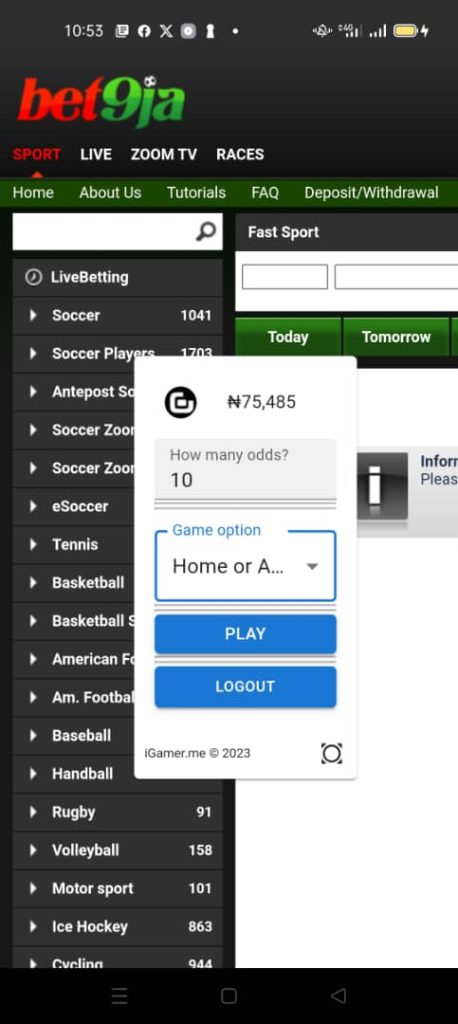
Our AI-backed Soccer Prediction App for Android is a state-of-the-art app that gives you real-time analysis and generates any number of Soccer game odds that you need. Our uses advanced algorithm models to analyze the Head 2 Head, Table position, Statistic, Previous Matches, Player strength, News, and other criteria to generate your prediction in realtime.
Step 2
Install & Launch
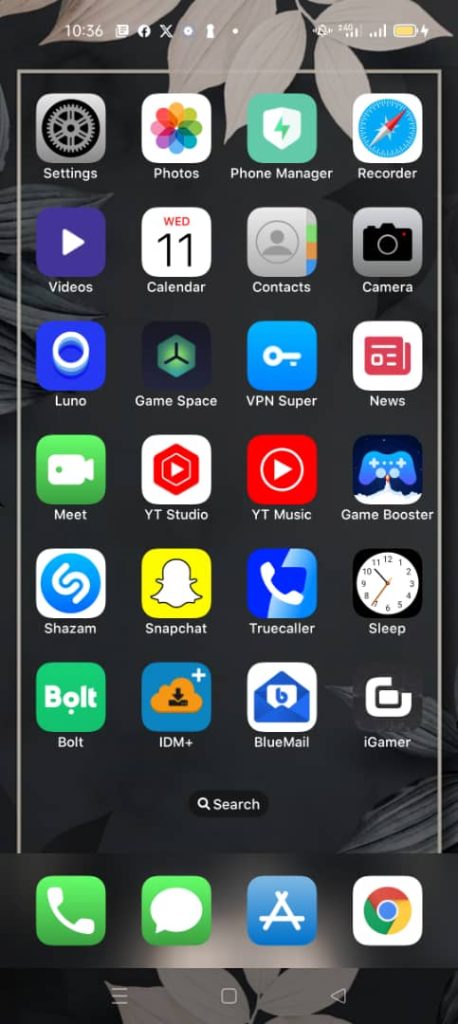
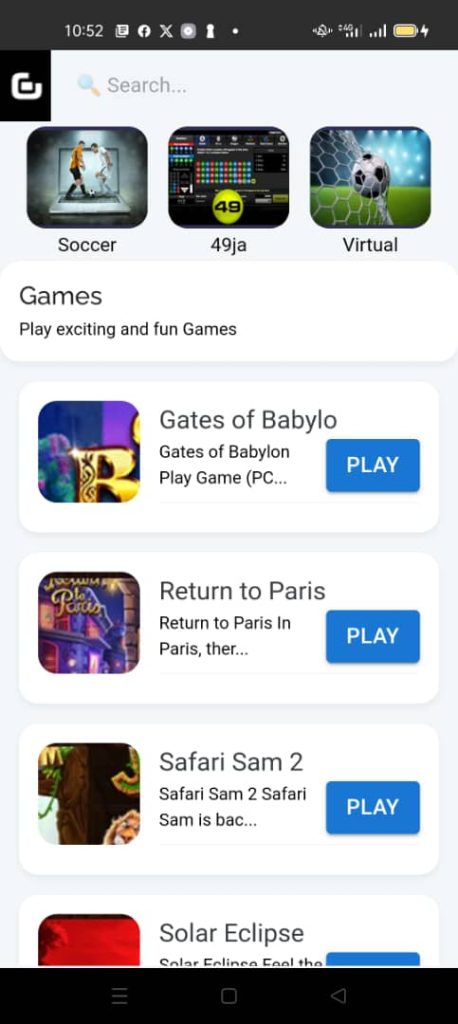
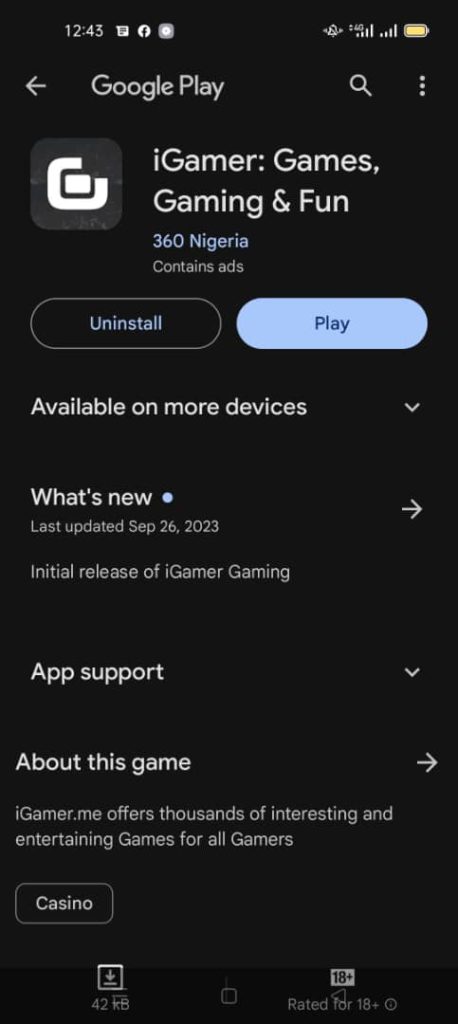
Install the iGamer Soccer AI Prediction App, Launch the App and Go to iGamer’s Official website to Create your iGamer Account if you don’t have one or Signup on the App
The App is very light, it is about 3MB in size and does not need any special resources to work
Step 3
Fund Your Wallet
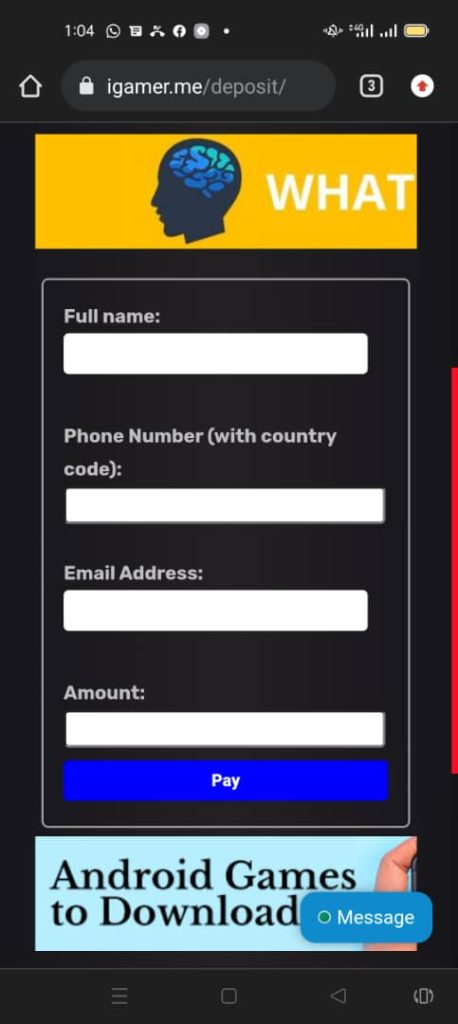
To be able to see Predictions for any Gameplay, you need to Fund your iGamer Wallet with at least N3,000 from the App or through the Deposit Page on iGamer official website.
Step 4
Generate Game Odds 24/7
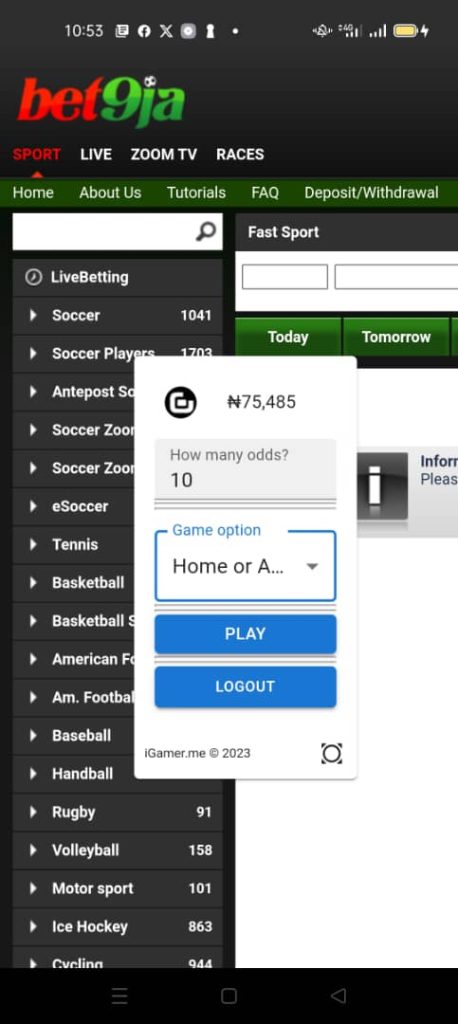
Once you have Funded your Wallet, you will be able to generate any Game Odd.
The AI Bot works 24/7, both at night and during the day time analyzing and predicting the best Game Options
Step 5
Change Game Options
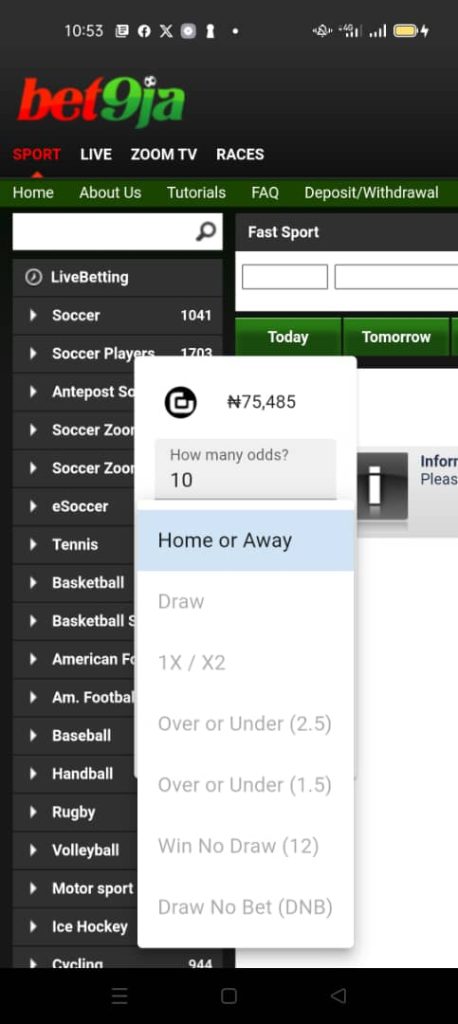
Depending on what Game option you want to get the Odds for, you can select a different option from the Game Options to either Draw, 1X/X2, Over or Under (2.5), Over or Under (1.5), Win No Draw (12), Draw No Bet (DNB) & more
Step 6
Game Analysis
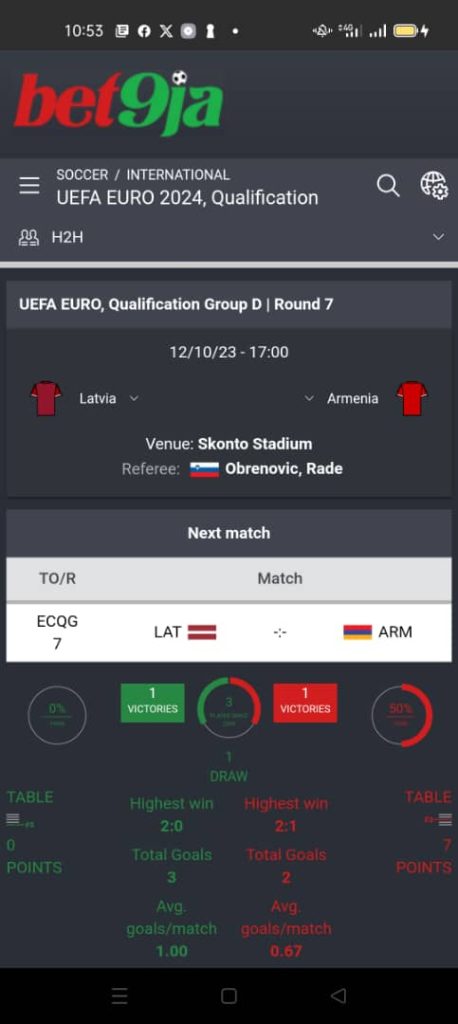
Our AI Bot uses several data sources and information to analyze the possible outcome of each game, from their previous matches, statistics, Head 2 Head, and other vital news like player purchases, injuries, and more.
It also takes into consideration the advanced emotional traits and behavior of each player at the advanced level
Step 7
Game Code Generated
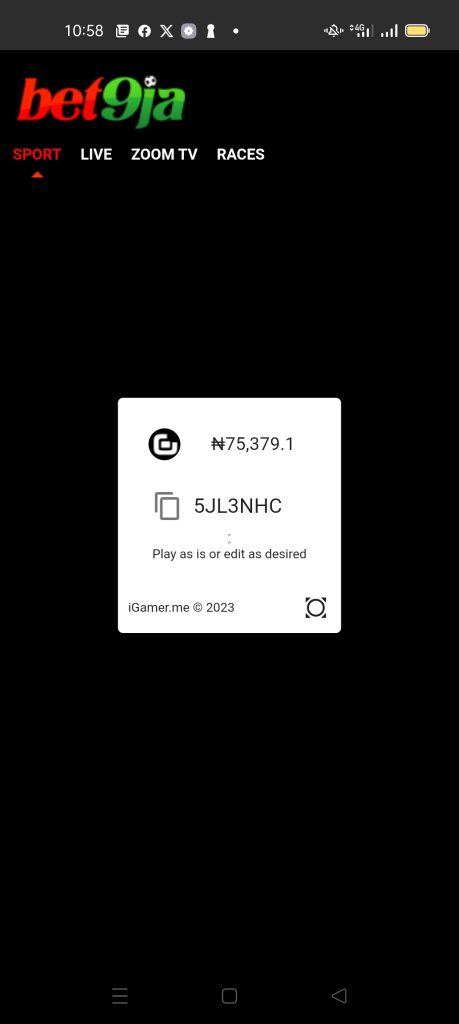
After the Bot is done analyzing, it generates the Betting Code and presents it to you.
You can edit the game, remove matches you are not comfortable with, or play as is.
There are other game options you can choose from before generating your Betting code
Step 8
Trading Plans
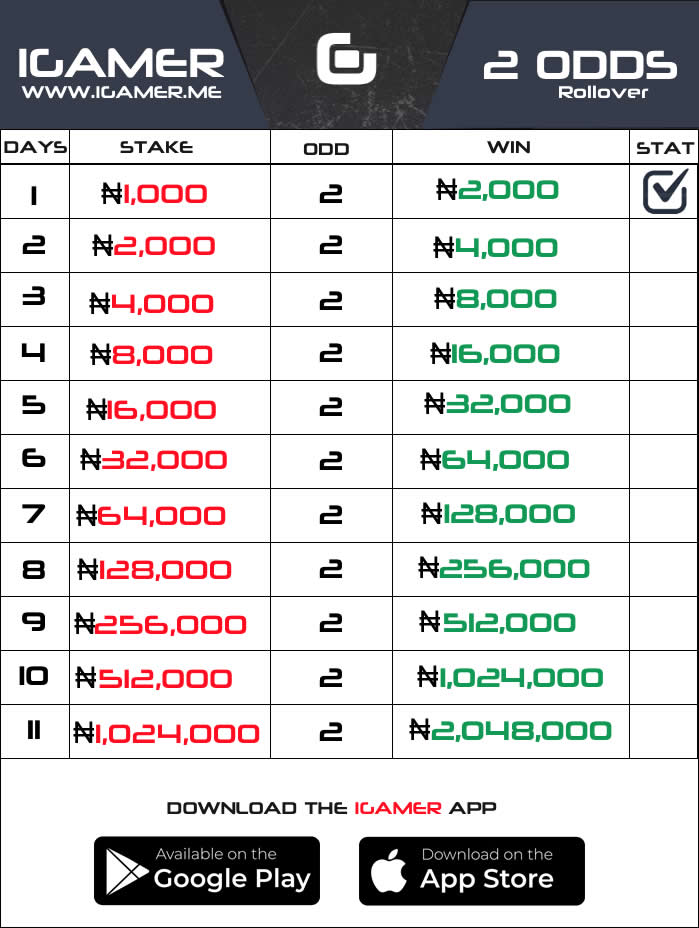
For those doing 2 Odds Rollover, the Bot can generate 2 Odds for your Rollover
For a Successful Trading Session, you must highly rely on Trading Plans, these are Bankroll Management Systems that helps you recover after a loss in any Gameplay
We have created Trading Plans for different Gameplays on iGamer, go to the Trading Plans page to see them and use them while trading
Review & Proof of Winning
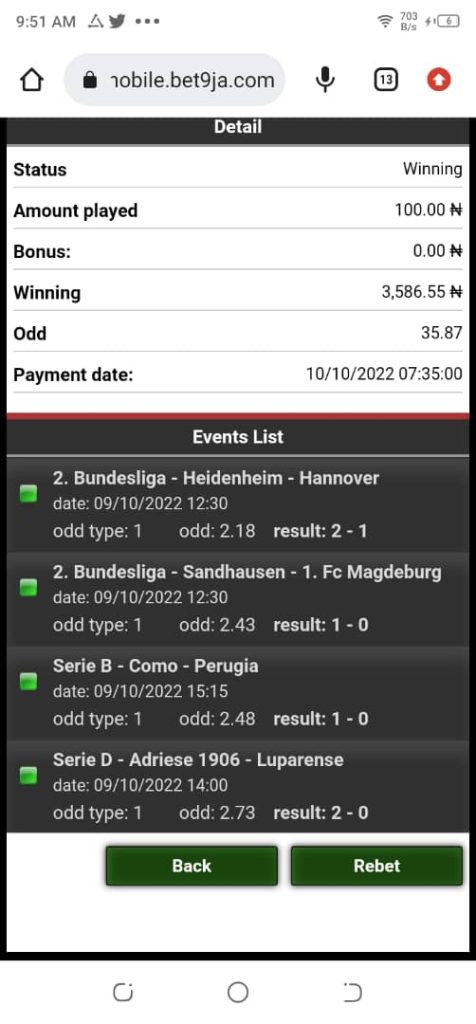
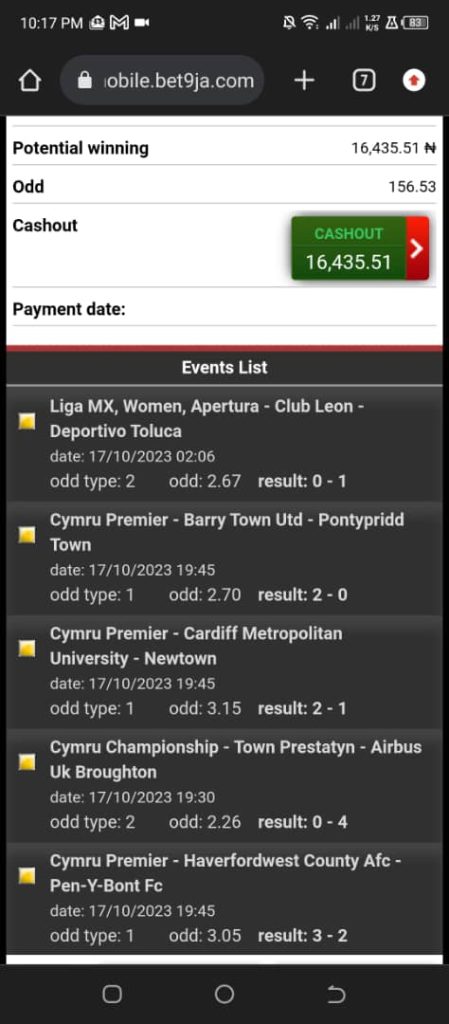
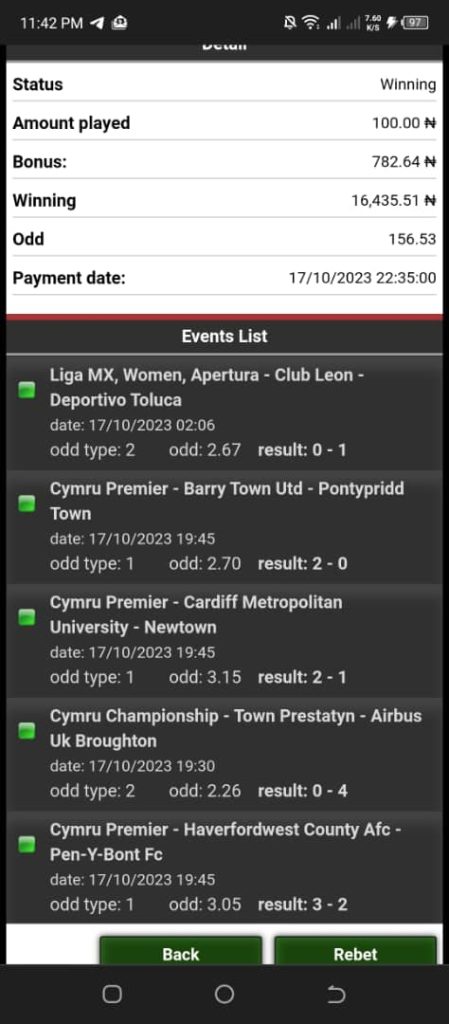
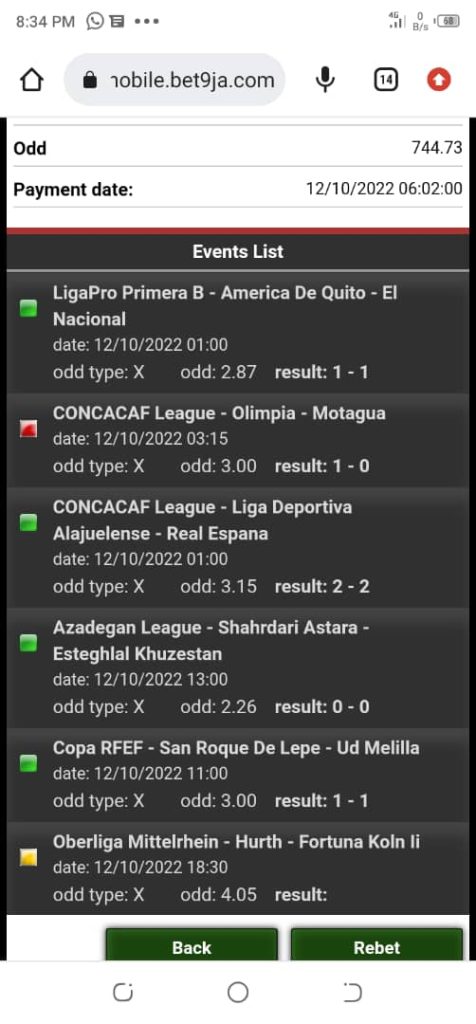
In the meantime, let’s see the magic it can do
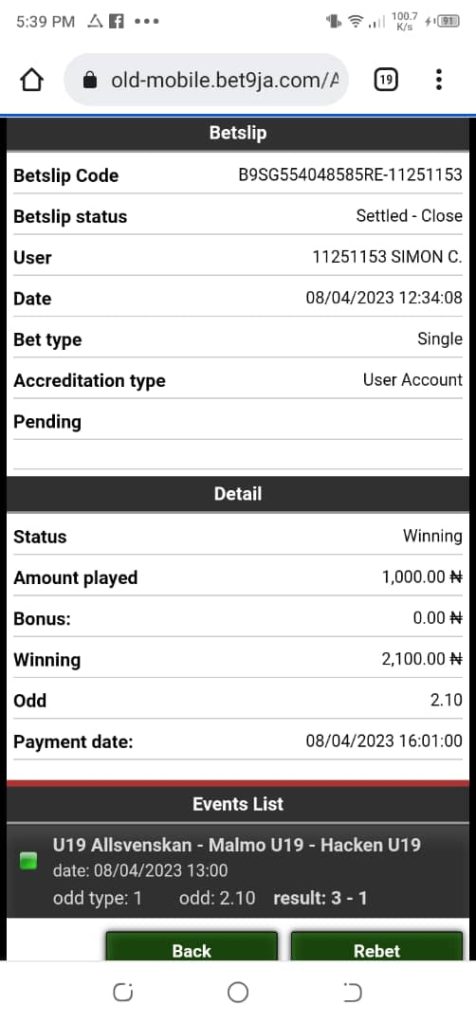
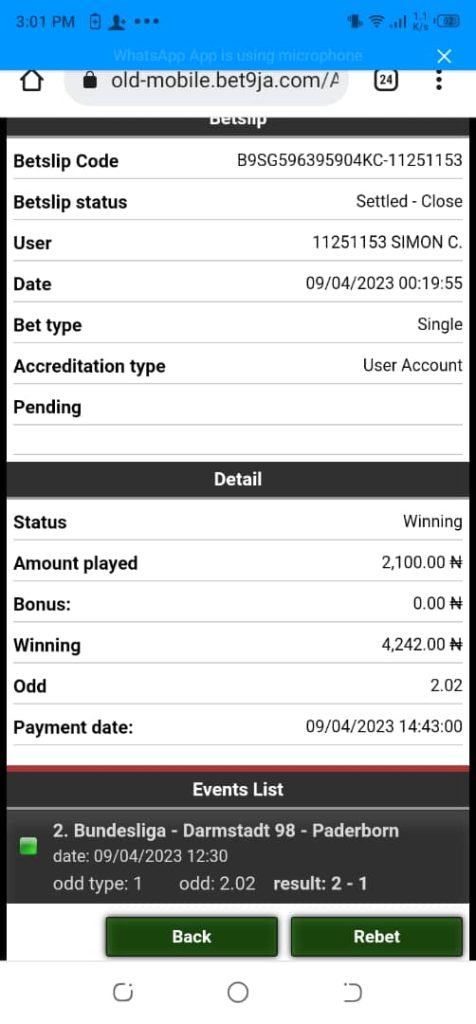
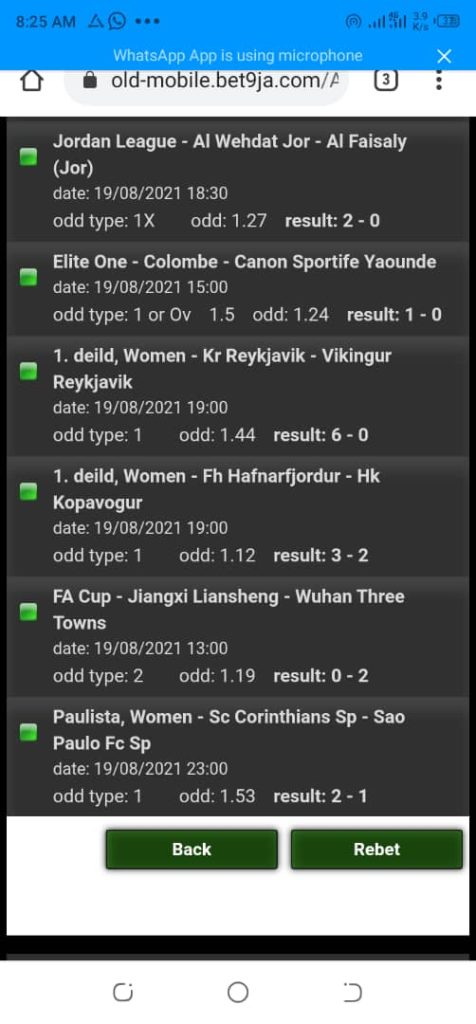
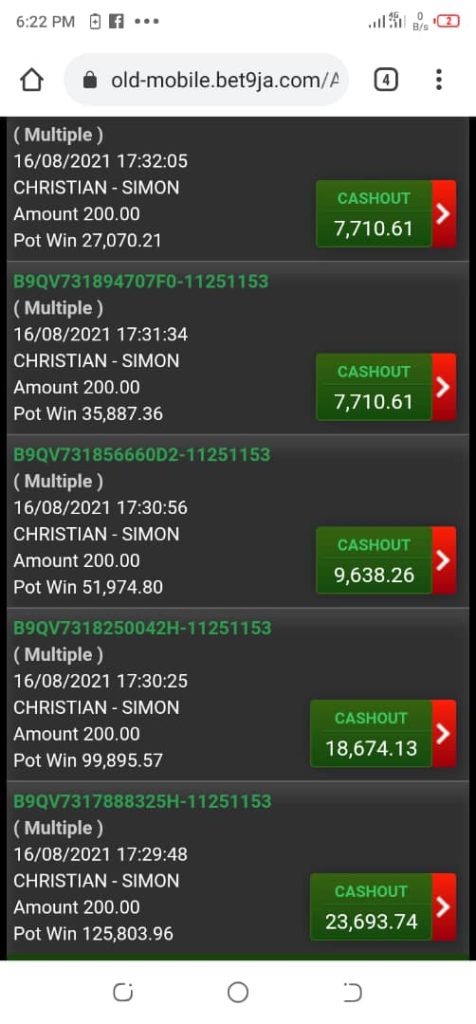
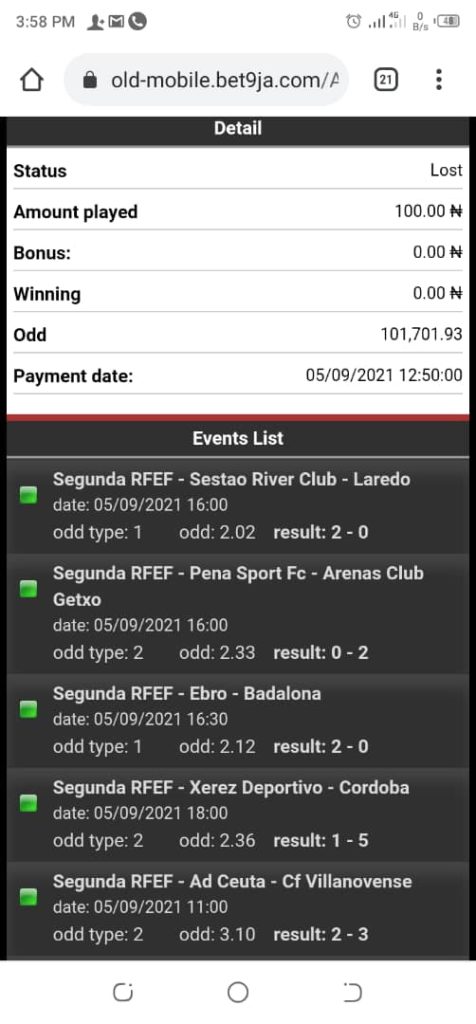
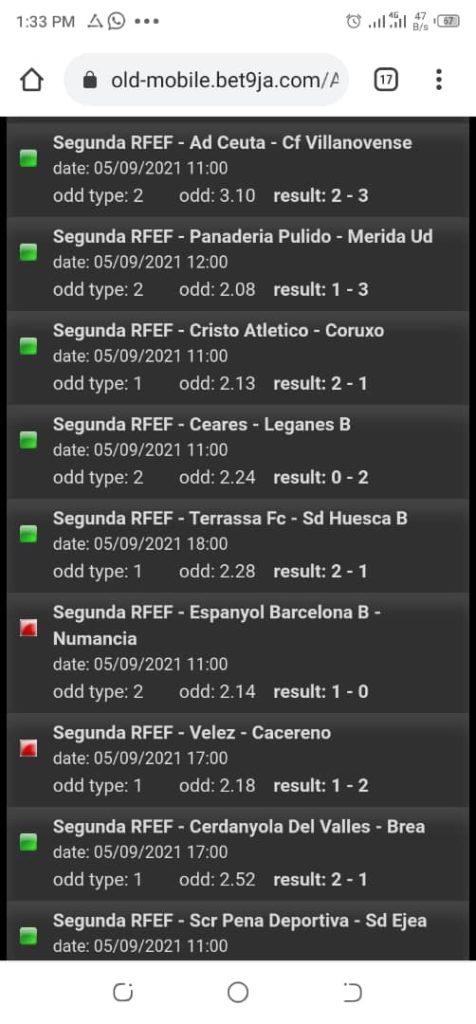
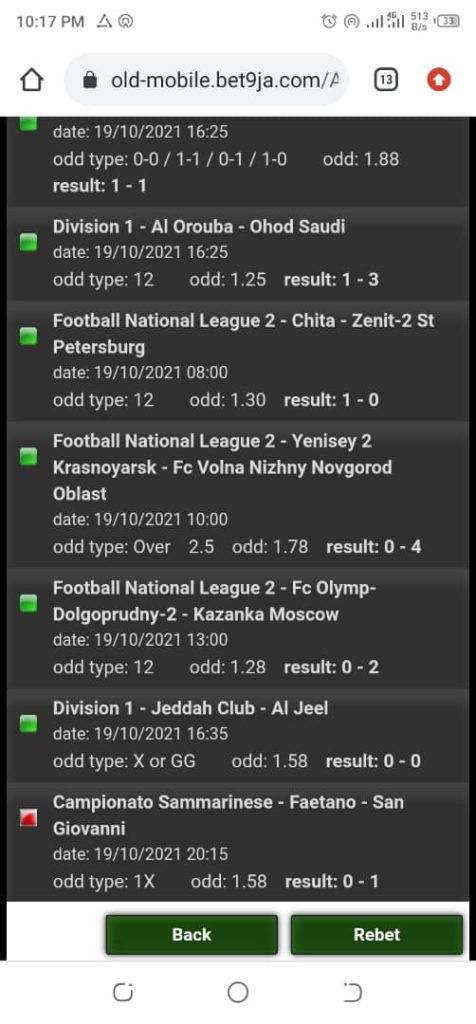
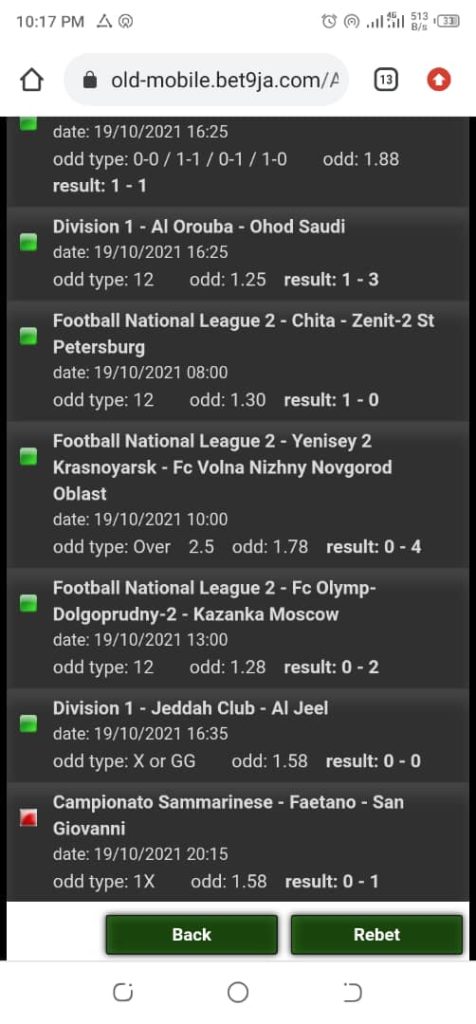
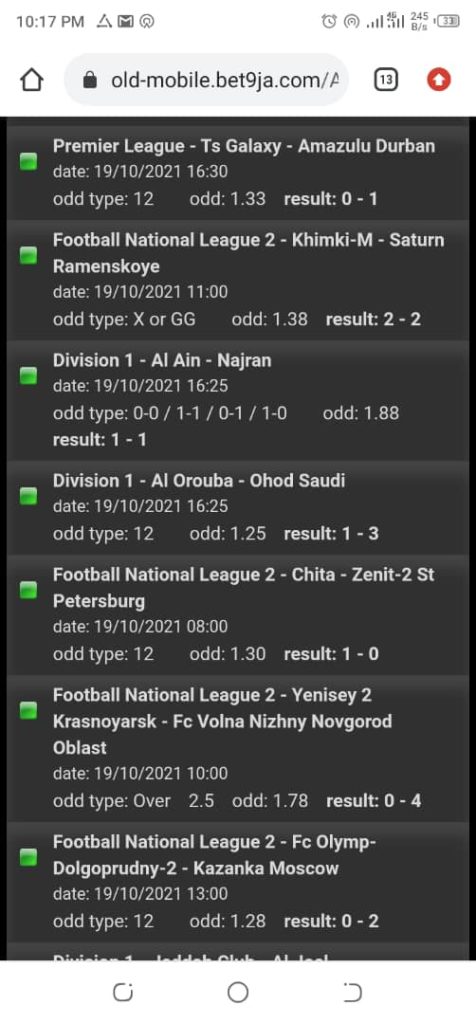
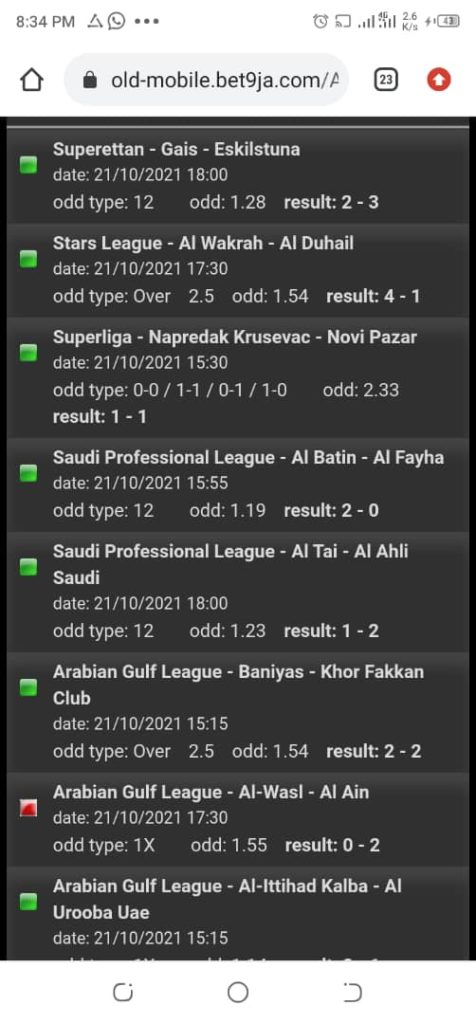
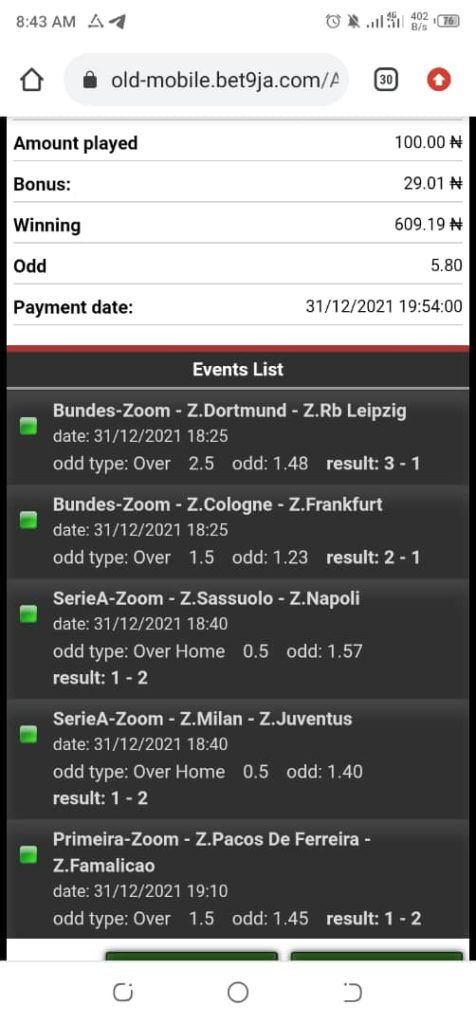
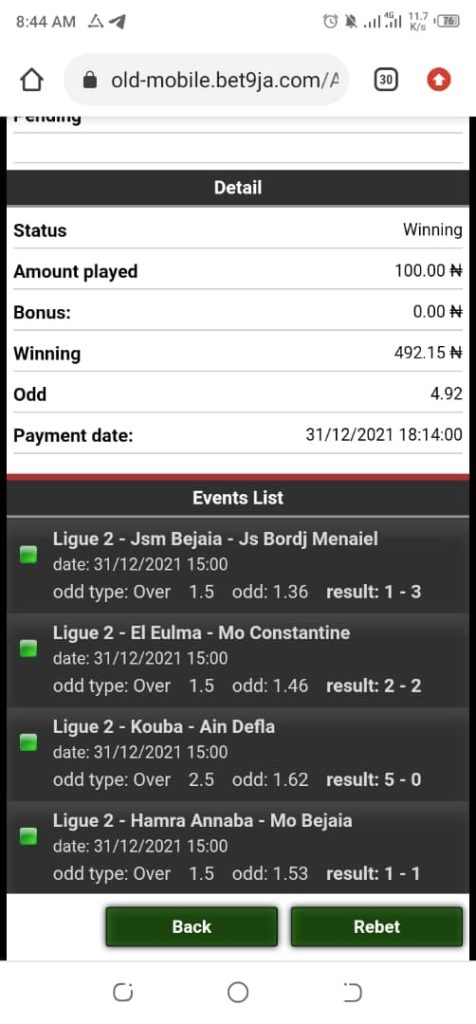
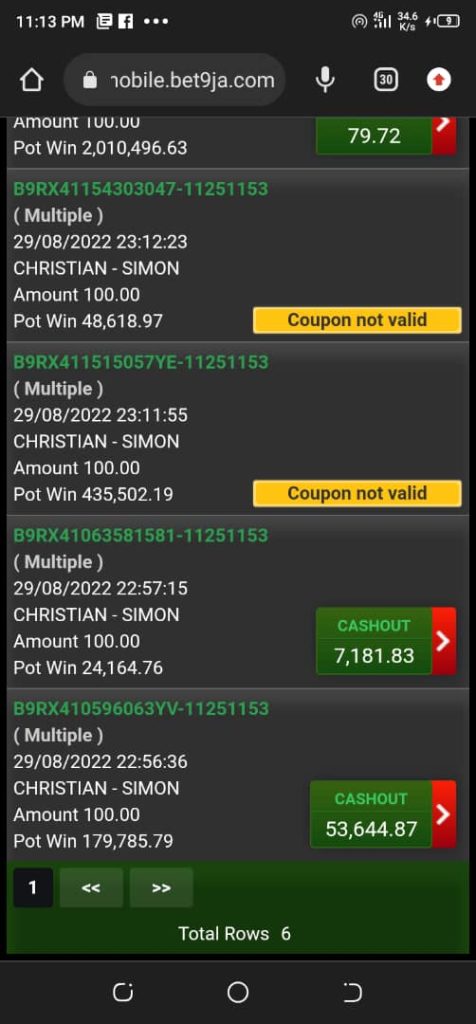
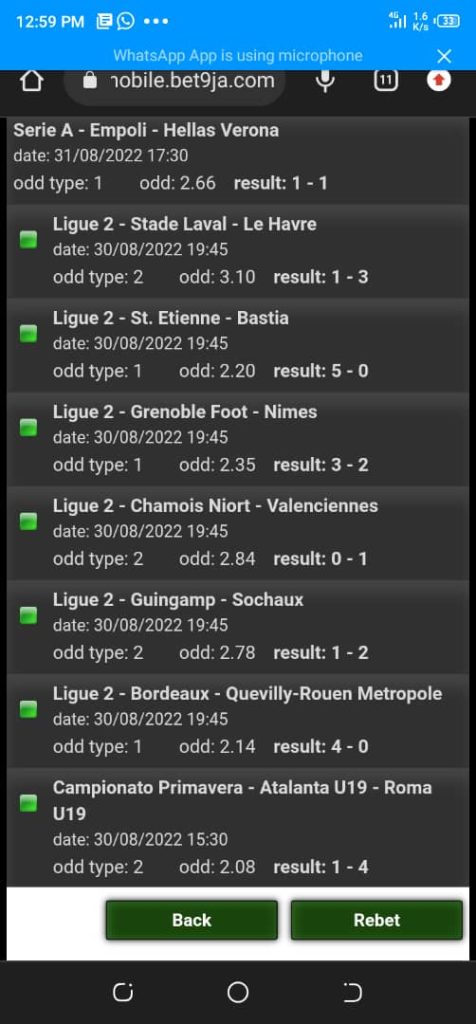
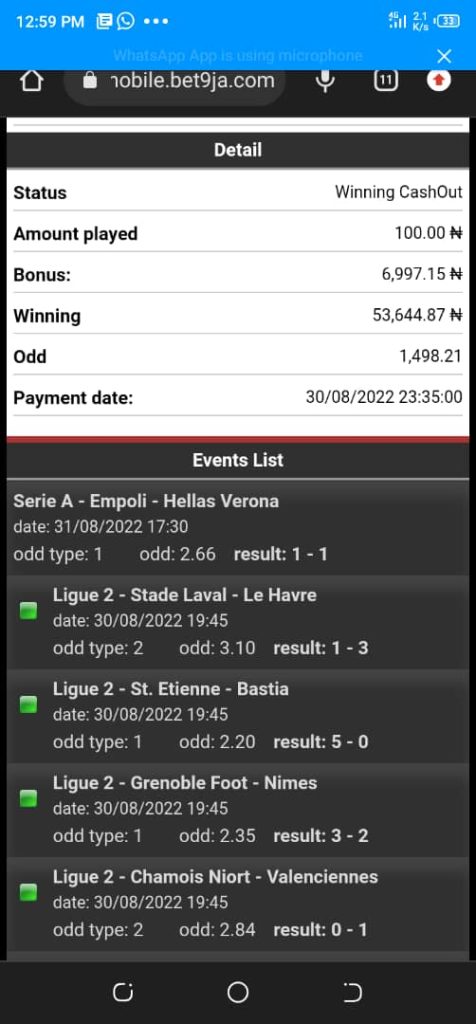
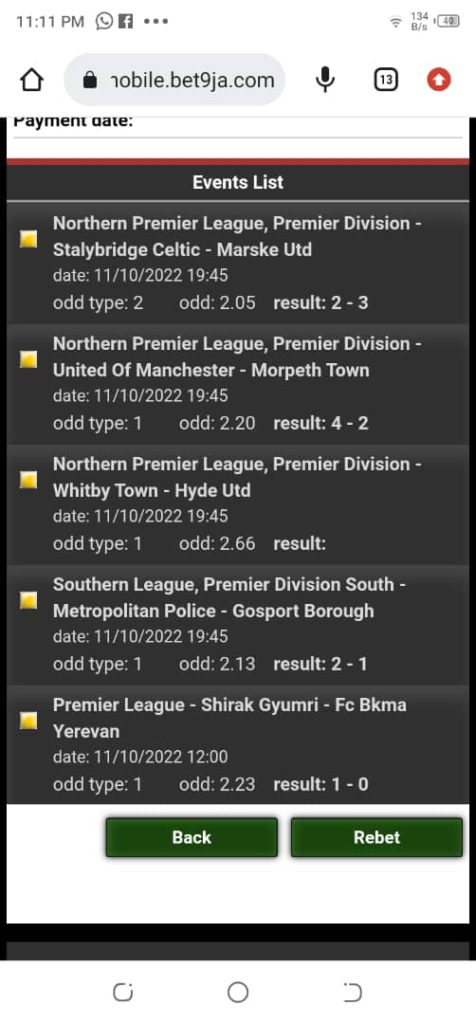
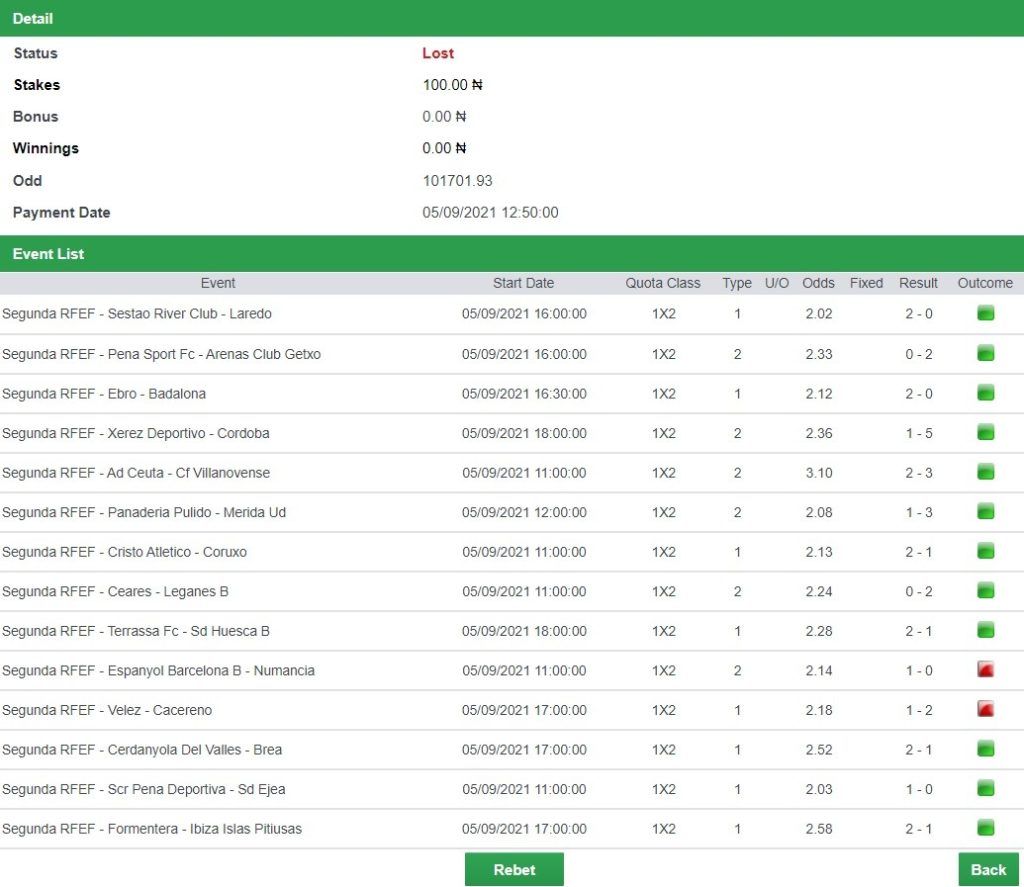
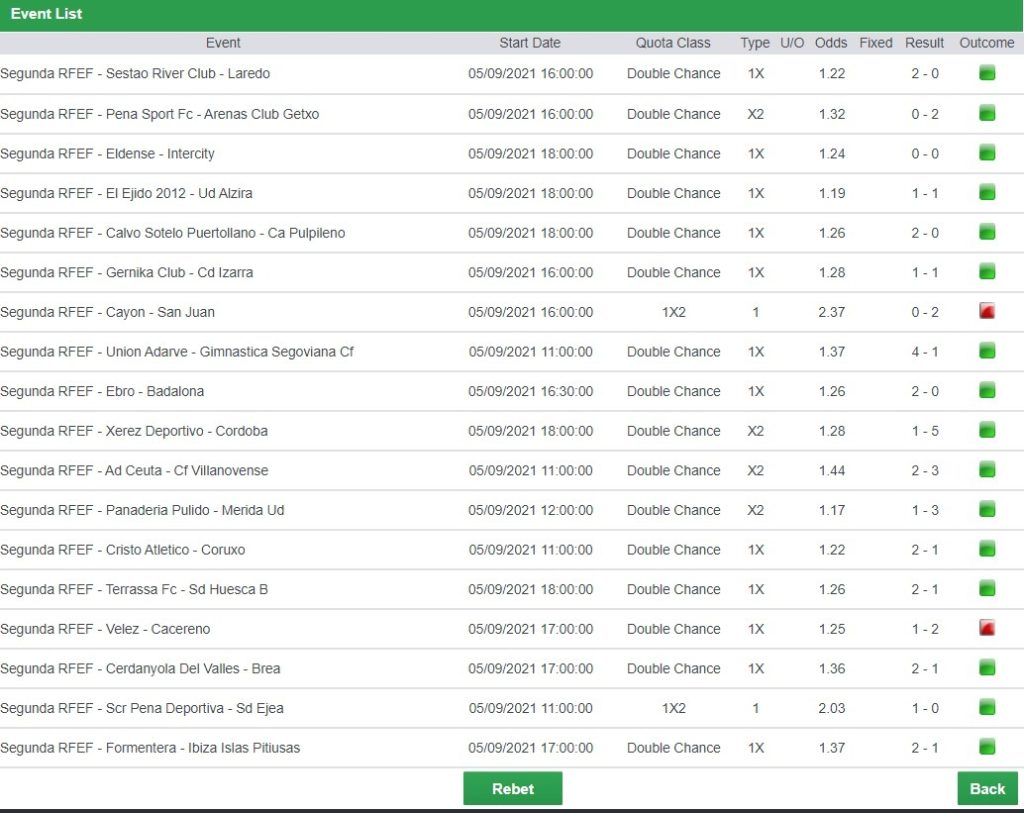
We have tested and gotten proof of a high accuracy in game outcomes
By default, you are playing in the Home / Away Game option until you change it to the other game options available like Over / Under 2.5, Over / Under 1.5, or the other available options.
Home / Away